Time pickerNew
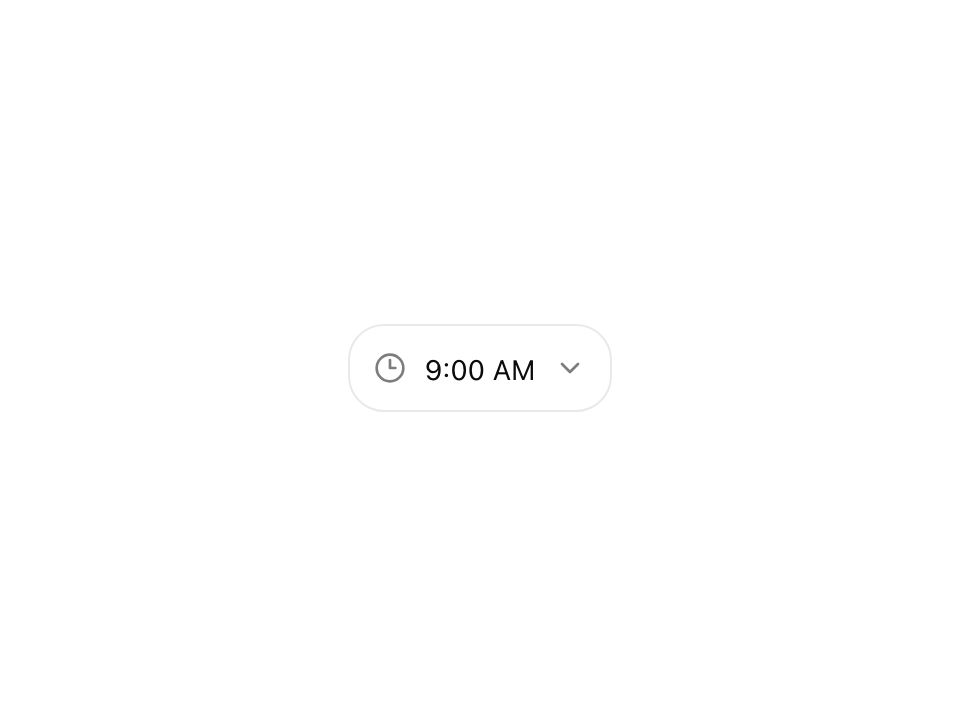
Live component. Click, hover, and type to try it.
Install
npx shadcn@latest add https://uiarc.dev/r/time-picker.jsonAbout
Choose a time with sensible keyboard behavior.
Live component. Click, hover, and type to try it.
npx shadcn@latest add https://uiarc.dev/r/time-picker.jsonChoose a time with sensible keyboard behavior.
"use client";

import { AnimatePresence, motion, useReducedMotion } from "motion/react";
import type { Variants } from "motion/react";
import { ChevronDown, Clock3 } from "lucide-react";
import { useEffect, useId, useLayoutEffect, useRef, useState } from "react";
import { motionTokens } from "../lib/motion-tokens";
import styles from "./time-picker.module.css";

export interface TimePickerProps {
  label: string;
  value?: string;
  defaultValue?: string;
  onChange?: (value: string) => void;
  description?: string;
  placeholder?: string;
  minuteStep?: 1 | 5 | 10 | 15 | 30;
  format?: "12h" | "24h";
  disabled?: boolean;
  className?: string;
}

const pad = (value: number) => String(value).padStart(2, "0");
const toMinutes = (value: string) => { const [h = NaN, m = NaN] = value.split(":").map(Number); return Number.isFinite(h) && Number.isFinite(m) ? h * 60 + m : 0; };
const enter = motionTokens.ease.enter;
const standard = motionTokens.ease.standard;
/** The shown time rolls like a clock face: a later time rises from below, an earlier one drops from above. */
const valueRoll: Variants = {
  enter: (direction: number) => ({ opacity: 0, y: `${direction * 0.35}em`, filter: `blur(${motionTokens.blur.soft}px)` }),
  center: { opacity: 1, y: 0, filter: "blur(0px)", transition: { duration: motionTokens.duration.standard, ease: enter } },
  exit: (direction: number) => ({ opacity: 0, y: `${direction * -0.3}em`, filter: `blur(${motionTokens.blur.subtle}px)`, transition: { duration: motionTokens.duration.fast, ease: standard } }),
};
/** Reduced motion keeps a short crossfade; the resting state matches valueRoll so server and client markup agree. */
const valueFade: Variants = { enter: { opacity: 0 }, center: { opacity: 1, y: 0, filter: "blur(0px)", transition: { duration: motionTokens.duration.instant } }, exit: { opacity: 0, transition: { duration: motionTokens.duration.instant } } };

export function TimePicker({ label, value, defaultValue = "09:00", onChange, description, placeholder = "Select a time", minuteStep = 15, format = "12h", disabled = false, className }: TimePickerProps) {
  const id = useId();
  const labelId = `${id}-label`;
  const valueId = `${id}-value`;
  const rootRef = useRef<HTMLDivElement>(null);
  const optionRefs = useRef<Array<HTMLButtonElement | null>>([]);
  const centerOnOpen = useRef(false);
  const [internal, setInternal] = useState(defaultValue);
  const [open, setOpen] = useState(false);
  const [activeIndex, setActiveIndex] = useState(-1);
  const selected = value ?? internal;
  const reduce = useReducedMotion();
  const [previous, setPrevious] = useState(selected);
  const [direction, setDirection] = useState(1);
  if (previous !== selected) { setPrevious(selected); setDirection(toMinutes(selected) >= toMinutes(previous) ? 1 : -1); }
  const options = Array.from({ length: Math.ceil(1440 / minuteStep) }, (_, index) => { const minutes = index * minuteStep; const hour = Math.floor(minutes / 60); const minute = minutes % 60; return `${pad(hour)}:${pad(minute)}`; });
  const display = (raw: string) => { const minutes = toMinutes(raw); const hour = Math.floor(minutes / 60); const minute = minutes % 60; return format === "24h" ? `${pad(hour)}:${pad(minute)}` : `${hour % 12 || 12}:${pad(minute)} ${hour < 12 ? "AM" : "PM"}`; };
  useEffect(() => { const close = (event: PointerEvent) => { if (!rootRef.current?.contains(event.target as Node)) setOpen(false); }; document.addEventListener("pointerdown", close); return () => document.removeEventListener("pointerdown", close); }, []);
  // Runs before paint so the menu's first frame is already centered on the selected time.
  useLayoutEffect(() => {
    if (!open || activeIndex < 0) return;
    // Scroll only the menu, never the page: the selected time opens centered, arrow keys then keep the highlight in view.
    const option = optionRefs.current[activeIndex];
    const menu = option?.parentElement;
    if (!option || !menu) return;
    const top = option.offsetTop;
    const bottom = top + option.offsetHeight;
    if (centerOnOpen.current) { centerOnOpen.current = false; menu.scrollTop = top - (menu.clientHeight - option.offsetHeight) / 2; }
    else if (top < menu.scrollTop) menu.scrollTop = top;
    else if (bottom > menu.scrollTop + menu.clientHeight) menu.scrollTop = bottom - menu.clientHeight;
  }, [activeIndex, open]);
  const choose = (next: string) => { if (value === undefined) setInternal(next); onChange?.(next); setOpen(false); };
  const openMenu = () => {
    const selectedIndex = options.indexOf(selected);
    setActiveIndex(selectedIndex >= 0 ? selectedIndex : 0);
    centerOnOpen.current = true;
    setOpen(true);
  };
  const onKeyDown = (event: React.KeyboardEvent<HTMLButtonElement>) => {
    if (event.key === "Escape") { event.preventDefault(); setOpen(false); return; }
    if (event.key === "Enter" || event.key === " ") {
      event.preventDefault();
      if (open && activeIndex >= 0) choose(options[activeIndex]!);
      else openMenu();
      return;
    }
    if (event.key === "ArrowDown" || event.key === "ArrowUp") {
      event.preventDefault();
      if (!open) { openMenu(); return; }
      setActiveIndex(index => (index + (event.key === "ArrowDown" ? 1 : -1) + options.length) % options.length);
    }
  };
  return <div ref={rootRef} className={[styles.field, className].filter(Boolean).join(" ")}>
    <span id={labelId} className={styles.label}>{label}</span>
    <div className={styles.anchor}>
      <button type="button" className={styles.trigger} disabled={disabled} aria-labelledby={`${labelId} ${valueId}`} aria-haspopup="listbox" aria-expanded={open} aria-controls={`${id}-listbox`} onClick={() => open ? setOpen(false) : openMenu()} onKeyDown={onKeyDown}>
        <Clock3 size={16} aria-hidden="true" />
        <span id={valueId} className={styles.srOnly}>{selected ? display(selected) : placeholder}</span>
        <span className={styles.valueText} aria-hidden="true"><AnimatePresence initial={false} custom={direction}><motion.span key={selected || "placeholder"} className={selected ? styles.value : styles.placeholder} custom={direction} variants={reduce ? valueFade : valueRoll} initial="enter" animate="center" exit="exit">{selected ? display(selected) : placeholder}</motion.span></AnimatePresence></span>
        <ChevronDown className={styles.chevron} size={16} aria-hidden="true" />
      </button>
      <AnimatePresence initial={false}>{open && <motion.div id={`${id}-listbox`} className={styles.menu} role="listbox" aria-label={`${label} options`}
        initial={reduce ? { opacity: 0 } : { opacity: 0, y: -6, scale: .97 }}
        animate={{ opacity: 1, y: 0, scale: 1, transition: reduce ? { duration: motionTokens.duration.instant } : { ...motionTokens.spring.snappy, opacity: { duration: motionTokens.duration.fast, ease: enter } } }}
        exit={{ opacity: 0, ...(reduce ? {} : { y: -4, scale: .98 }), transition: { duration: motionTokens.duration.instant, ease: standard } }}>
        {options.map((option, index) => <button ref={node => { optionRefs.current[index] = node; }} id={`${id}-option-${index}`} type="button" role="option" aria-selected={option === selected} data-active={activeIndex === index || undefined} className={styles.option} key={option} onPointerMove={() => { if (activeIndex !== index) setActiveIndex(index); }} onClick={() => choose(option)}>{display(option)}{option === selected && <span className={styles.dot} aria-hidden="true" />}</button>)}
      </motion.div>}</AnimatePresence>
    </div>
    {description && <span className={styles.description}>{description}</span>}
  </div>;
}