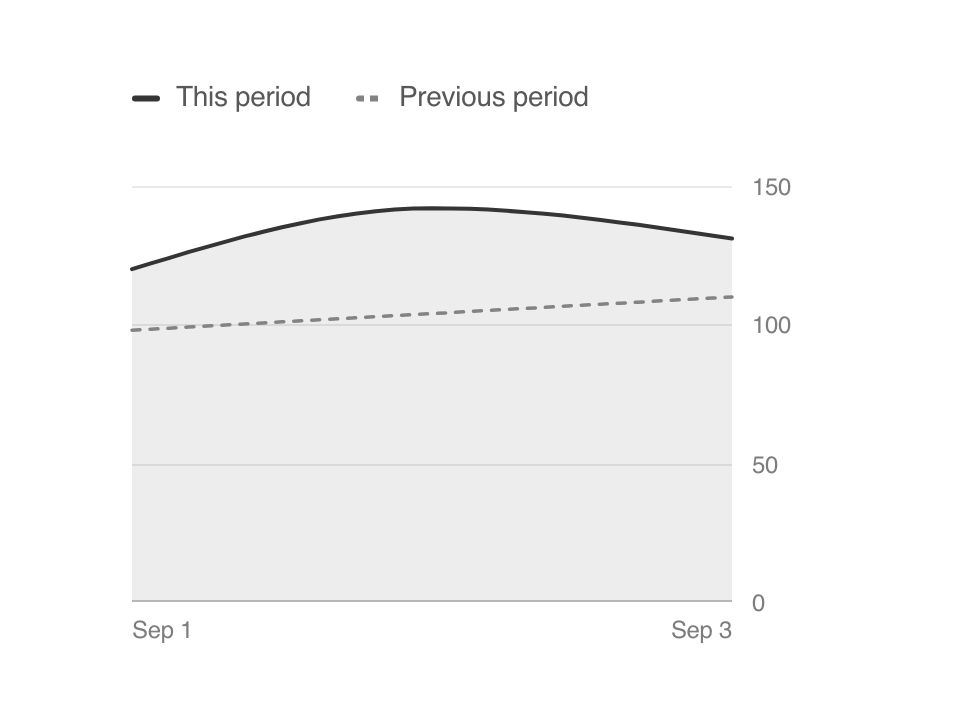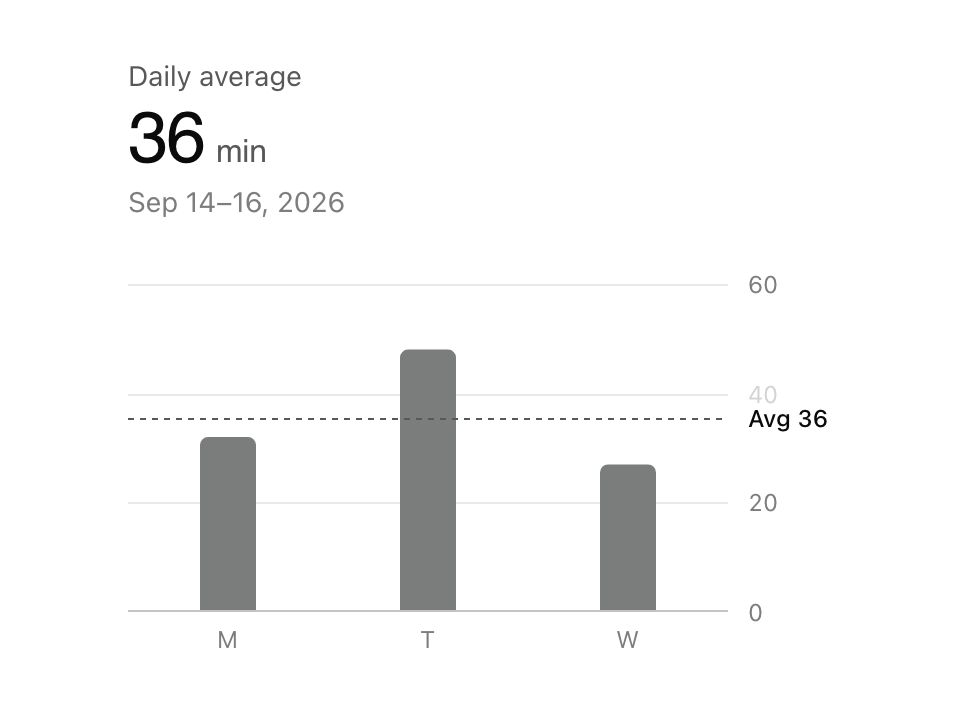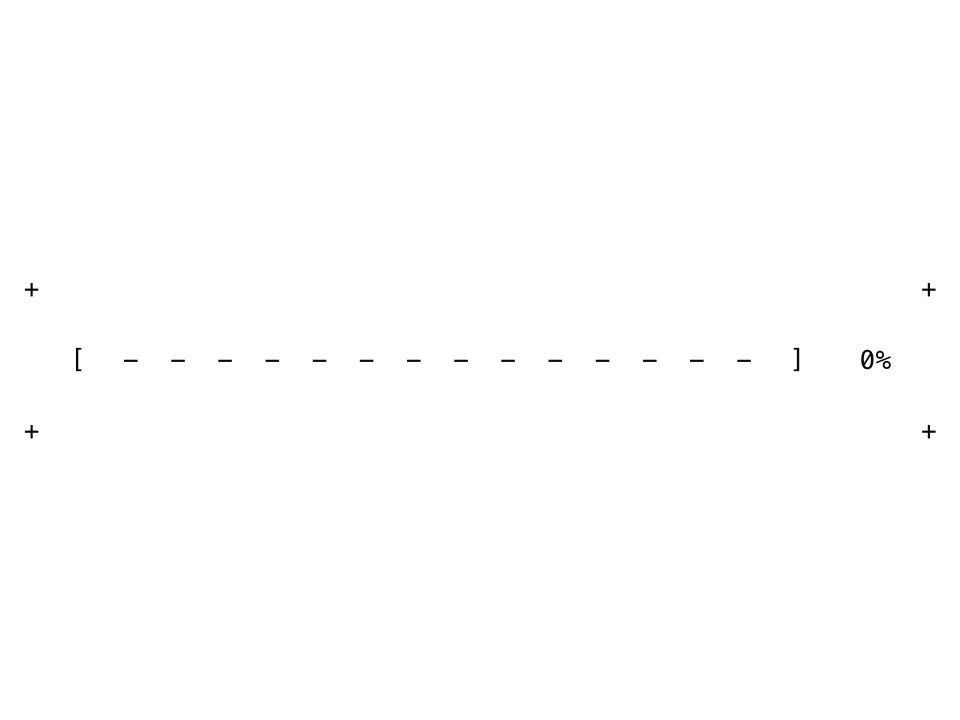
Live component. Click, hover, and type to try it.
Install
npx shadcn@latest add https://uiarc.dev/r/gauge.jsonAbout
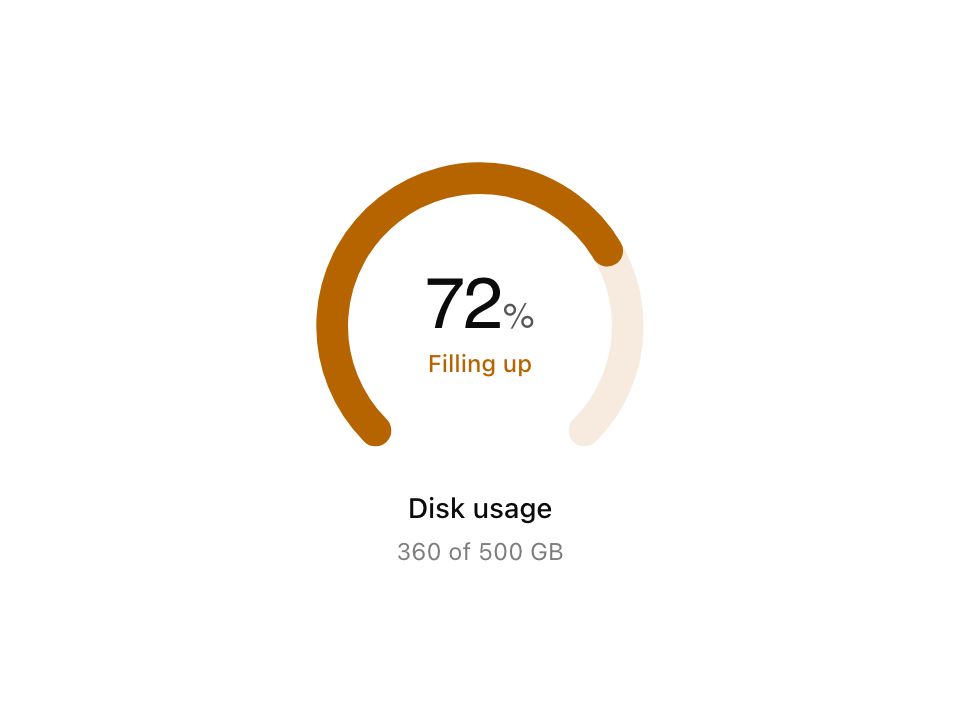
Show a value against a known range.
Live component. Click, hover, and type to try it.
npx shadcn@latest add https://uiarc.dev/r/gauge.jsonShow a value against a known range.
"use client";

import { useEffect, useRef, useState } from "react";
import { AnimatePresence, animate, motion, useInView, useMotionValue, useMotionValueEvent, useReducedMotion, useTransform, type Variants } from "motion/react";
import { motionTokens } from "../lib/motion-tokens";
import styles from "./gauge.module.css";

type GaugeTone = "accent" | "success" | "warning" | "danger";
/** A band that starts at `from`: the highest band the value reaches sets the tone and names the state, so it never rests on color alone. */
export interface GaugeThreshold { from: number; tone: GaugeTone; label: string; }
export interface GaugeProps { value: number; min?: number; max?: number; label: string; detail?: string; tone?: GaugeTone; thresholds?: GaugeThreshold[]; }

/** Copy enters from the side the value moved toward: a rise comes up from below, a fall drops from above. */
const rise: Variants = { hidden: (direction: number) => ({ opacity: 0, y: `${.3 * direction}em`, filter: `blur(${motionTokens.blur.soft}px)` }), shown: { opacity: 1, y: 0, filter: "blur(0px)", transition: { duration: motionTokens.duration.standard, ease: [...motionTokens.ease.enter] } }, gone: (direction: number) => ({ opacity: 0, y: `${-.3 * direction}em`, filter: `blur(${motionTokens.blur.subtle}px)`, transition: { duration: motionTokens.duration.fast, ease: [...motionTokens.ease.standard] } }) };
// Same keys as `rise` so the settled style is identical whichever branch renders on the server.
const fade: Variants = { hidden: { opacity: 0, y: 0, filter: "blur(0px)" }, shown: { opacity: 1, y: 0, filter: "blur(0px)", transition: { duration: motionTokens.duration.instant } }, gone: { opacity: 0, y: 0, filter: "blur(0px)", transition: { duration: motionTokens.duration.instant } } };
/** The first fill is slower and never overshoots, like a ring closing when the view opens. */
const reveal = { ...motionTokens.spring.smooth, visualDuration: motionTokens.duration.considered * 1.6 };

/** New copy rises in while the old copy leaves, popped out of flow so the line never holds both. */
function Swap({ text, direction = 1 }: { text: string; direction?: number }) {
  const reduceMotion = !!useReducedMotion();
  return <span className={styles.swap}><AnimatePresence mode="popLayout" initial={false} custom={direction}><motion.span key={text} className={styles.text} custom={direction} variants={reduceMotion ? fade : rise} initial="hidden" animate="shown" exit="gone">{text}</motion.span></AnimatePresence></span>;
}

/** A 270 degree ring open at the bottom, drawn clockwise from its lower left end. Redrawn from the sweep every frame so the round cap stays exact. */
const radius = 42, start = -135, span = 270;
function arcFor(sweep: number) {
  const end = start + span * Math.min(1, Math.max(0, sweep));
  const at = (angle: number) => `${(50 + radius * Math.sin((angle * Math.PI) / 180)).toFixed(3)} ${(50 - radius * Math.cos((angle * Math.PI) / 180)).toFixed(3)}`;
  return `M ${at(start)} A ${radius} ${radius} 0 ${end - start > 180 ? 1 : 0} 1 ${at(end)}`;
}
const track = arcFor(1);

export function Gauge({ value, min = 0, max = 100, label, detail, tone = "accent", thresholds }: GaugeProps) {
  const safeMax = max > min ? max : min + 1;
  const percentage = Math.min(1, Math.max(0, (value - min) / (safeMax - min)));
  const displayValue = Math.round(percentage * 100);
  const bands = [...thresholds ?? []].sort((a, b) => a.from - b.from);
  const bandAt = (at: number) => bands.filter(threshold => at >= threshold.from - 1e-6).pop();
  const band = bandAt(value);
  const ref = useRef<HTMLElement>(null);
  const sizer = useRef<HTMLSpanElement>(null);
  const inView = useInView(ref, { once: true, amount: .5 });
  const reduceMotion = !!useReducedMotion();
  const sweep = useMotionValue(0);
  const count = useMotionValue(0);
  const digitsWidth = useMotionValue<number | "auto">("auto");
  const [filled, setFilled] = useState(false);
  const [live, setLive] = useState(band);
  const path = useTransform(sweep, arcFor);
  // The cap fades in over the first sliver instead of popping in as a dot.
  const arcOpacity = useTransform(sweep, current => Math.min(1, Math.max(0, current / .02)));
  const digits = useTransform(count, current => String(Math.round(Math.min(100, Math.max(0, current)))));
  const [moved, setMoved] = useState({ value: displayValue, direction: 1 });
  if (moved.value !== displayValue) setMoved({ value: displayValue, direction: displayValue < moved.value ? -1 : 1 });

  // The ring fills once it is seen, then springs to each new value with a little life; the count follows without overshooting.
  useEffect(() => {
    // Reduced motion lands on the value at once; the state appears a frame later, after hydration has matched the server.
    if (reduceMotion) { sweep.jump(percentage); count.jump(percentage * 100); const frame = requestAnimationFrame(() => setFilled(true)); return () => cancelAnimationFrame(frame); }
    if (!inView) return;
    const arc = animate(sweep, percentage, filled ? motionTokens.spring.morph : reveal);
    const number = animate(count, percentage * 100, { ...(filled ? motionTokens.spring.smooth : reveal), onComplete: () => setFilled(true) });
    return () => { arc.stop(); number.stop(); };
  }, [count, filled, inView, percentage, reduceMotion, sweep]);

  // The state arrives as the first fill lands. After that it follows the number on screen, so the color and label change exactly as the count crosses a threshold.
  useMotionValueEvent(count, "change", current => {
    const next = bandAt(min + (current / 100) * (safeMax - min));
    const changed = next?.from !== live?.from || next?.label !== live?.label;
    if (filled) { if (changed) setLive(next); }
    else if (inView && Math.abs(current - percentage * 100) < 1) { if (changed) setLive(next); setFilled(true); }
  });
  const shown = reduceMotion || !filled ? band : live;
  const activeTone = shown?.tone ?? tone;

  // Digits are right aligned in a box sized to the target number, so the ones column never jumps while counting and the group recentres on a spring.
  useEffect(() => {
    const node = sizer.current;
    if (!node || typeof ResizeObserver === "undefined") return;
    let measured: string | null = null;
    const observer = new ResizeObserver(([entry]) => {
      if (!entry) return;
      const next = entry.borderBoxSize?.[0]?.inlineSize ?? node.offsetWidth;
      if (measured !== null && measured !== node.textContent && !reduceMotion) animate(digitsWidth, next, motionTokens.spring.smooth);
      else digitsWidth.jump(next);
      measured = node.textContent;
    });
    observer.observe(node);
    return () => observer.disconnect();
  }, [digitsWidth, reduceMotion]);

  return <figure ref={ref} className={[styles.figure, styles[activeTone]].join(" ")} aria-label={`${label}: ${value} of ${safeMax}${band ? `, ${band.label}` : ""}`}>
    <div className={styles.visual} role="meter" aria-label={label} aria-valuemin={min} aria-valuemax={safeMax} aria-valuenow={Math.min(safeMax, Math.max(min, value))} aria-valuetext={`${displayValue}%${band ? `, ${band.label}` : ""}`}>
      <svg viewBox="0 0 100 90" aria-hidden="true" focusable="false"><path className={styles.track} d={track} /><motion.path className={styles.arc} d={path} style={{ opacity: arcOpacity }} /></svg>
      <div className={styles.readout} aria-hidden="true">
        <span className={styles.number}><motion.span className={styles.digits} style={{ width: digitsWidth }}>{digits}</motion.span><span className={styles.unit}>%</span><span ref={sizer} className={styles.sizer}>{displayValue}</span></span>
        {thresholds && <span className={styles.status}><Swap text={filled ? shown?.label ?? "" : ""} direction={moved.direction} /></span>}
      </div>
    </div>
    <figcaption><strong><Swap text={label} /></strong>{detail && <span className={styles.detail}><Swap text={detail} direction={moved.direction} /></span>}</figcaption>
  </figure>;
}

export default Gauge;