Checkbox CardNew
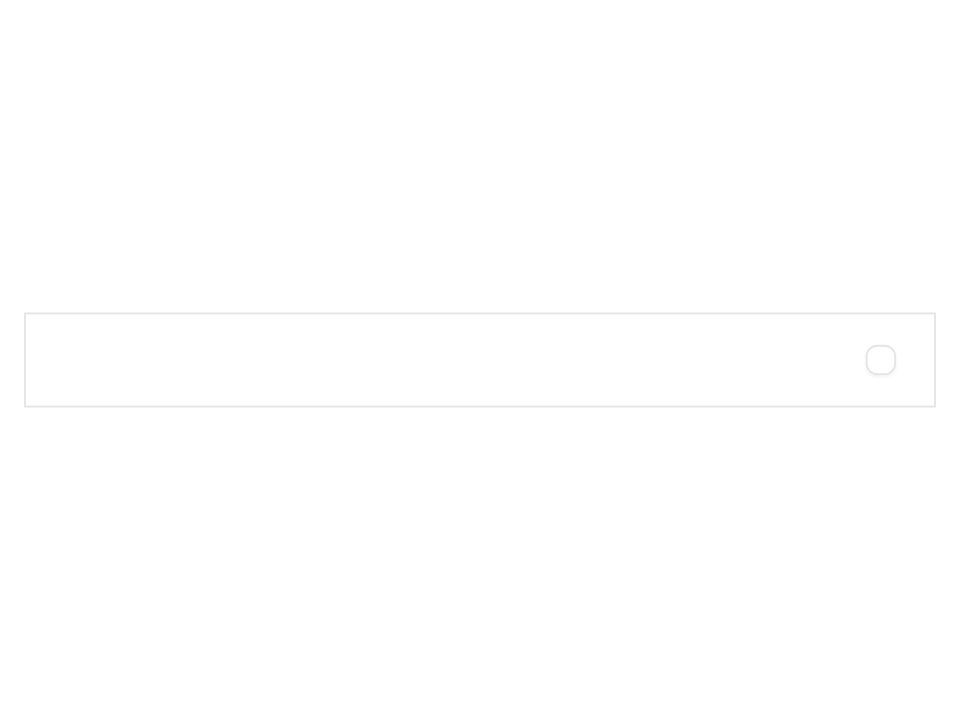
Live component. Click, hover, and type to try it.
Install
npx shadcn@latest add https://boardui.com/r/checkbox-card.jsonAbout
Bordered selectable card driven by a checkbox.
Live component. Click, hover, and type to try it.
npx shadcn@latest add https://boardui.com/r/checkbox-card.jsonBordered selectable card driven by a checkbox.
"use client";

import type { ReactNode, Ref } from "react";
import { Checkbox as AriaCheckbox } from "react-aria-components";
import type { CheckboxProps as AriaCheckboxProps } from "react-aria-components";
import { cx } from "@/utils/cx";
import { CheckboxGlyph } from "./checkbox-glyph";

/**
 * Figma source: Board UI → Checkbox items (node 3793:2966).
 *
 * Selectable card: title + description on the left, checkbox on the right.
 *   card    radius/2lg (10px), 1px border/button/default, pl 16 pr 20 py 12
 *   hover   bg background/primary/hover (#f7f7f7)
 *   title   Body 1/Medium, text/primary
 *   desc    Body 1/Regular, text/secondary
 *
 * The whole card toggles the checkbox (react-aria Checkbox renders the label),
 * so a click anywhere flips the state.
 */

export interface CheckboxCardProps extends Omit<AriaCheckboxProps, "children"> {
  title: ReactNode;
  description?: ReactNode;
  ref?: Ref<HTMLLabelElement>;
}

export function CheckboxCard({
  className,
  title,
  description,
  ref,
  ...props
}: CheckboxCardProps) {
  return (
    <AriaCheckbox
      ref={ref}
      {...props}
      className={(state) =>
        cx(
          "group flex w-full items-center justify-between gap-3 rounded-2lg border border-border-button-default py-3 pe-5 ps-4 select-none",
          "transition-colors duration-150 ease",
          state.isHovered && !state.isDisabled
            ? "bg-background-primary-hover"
            : "bg-background-primary-default",
          state.isDisabled ? "cursor-not-allowed opacity-50" : "cursor-pointer",
          typeof className === "function" ? className(state) : className,
        )
      }
    >
      {(state) => (
        <>
          <span className="flex min-w-0 flex-col gap-0.5">
            <span className="truncate text-body-medium text-text-primary">{title}</span>
            {description !== undefined && description !== null && (
              <span className="truncate text-body-regular text-text-secondary">{description}</span>
            )}
          </span>
          <span className="flex shrink-0 items-center py-1">
            <CheckboxGlyph state={state} />
          </span>
        </>
      )}
    </AriaCheckbox>
  );
}