Text morphNew
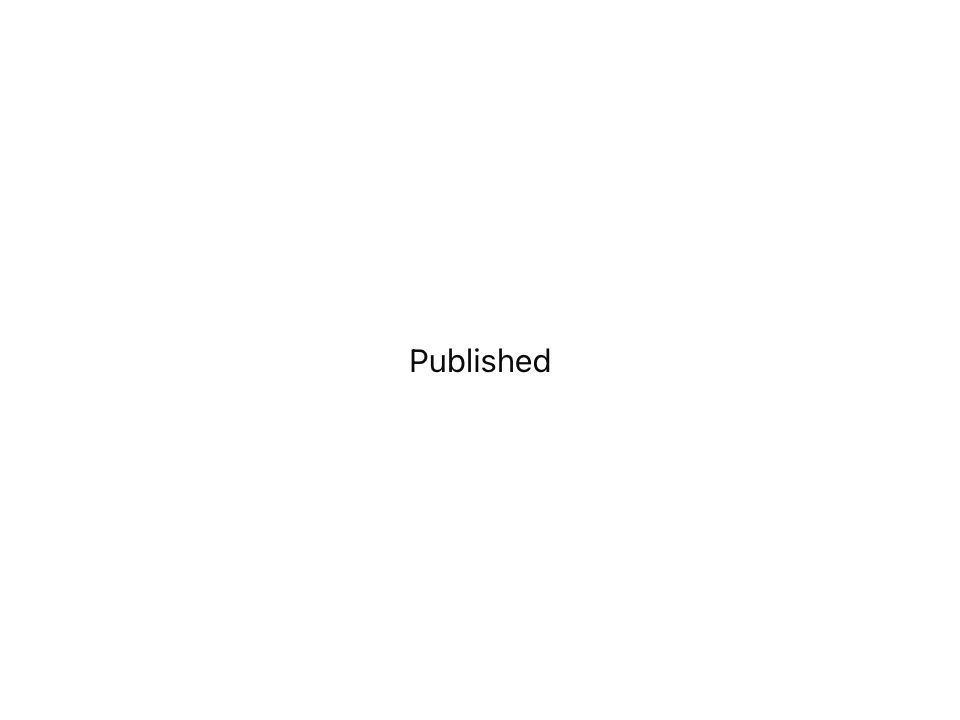
Live component. Click, hover, and type to try it.
Install
npx shadcn@latest add https://uiarc.dev/r/text-morph.jsonAbout
Morph a label into its next state, letter by letter.
Live component. Click, hover, and type to try it.
npx shadcn@latest add https://uiarc.dev/r/text-morph.jsonMorph a label into its next state, letter by letter.
"use client";
import { useEffect, useLayoutEffect, useMemo, useRef, useState } from "react";
import { AnimatePresence, animate, motion, useReducedMotion, type AnimationPlaybackControls } from "motion/react";
import { motionTokens } from "../lib/motion-tokens";
import styles from "./text-morph.module.css";

/**
 * Morphs one short label into the next in place. Letters both strings share glide to their new positions, new letters sharpen in, removed letters blur away,
 * and the width follows on a spring so the surrounding layout glides instead of jumping. Use it for status words that change a few letters at a time,
 * such as Publish, Publishing, and Published, or Follow and Following. It stays on one line, and assistive technology reads the plain text.
 */
export interface TextMorphProps { children: string; as?: "span" | "div" | "p" | "strong" | "h1" | "h2" | "h3"; className?: string; id?: string }

const enter = [...motionTokens.ease.enter] as [number, number, number, number];
const standard = [...motionTokens.ease.standard] as [number, number, number, number];
const blurred = `blur(${motionTokens.blur.soft}px)`;
/** Lets leaving letters start to clear before the first new letter sharpens in their place. */
const HANDOFF = .05;
/** Letters match by character and occurrence, so the second "i" in one string pairs with the second "i" in the next. */
function toGlyphs(text: string) {
  const seen = new Map<string, number>();
  return Array.from(text).map(char => { const count = seen.get(char) ?? 0; seen.set(char, count + 1); return { char, key: `${char}-${count}` }; });
}
const measure = (element: HTMLElement) => parseFloat(getComputedStyle(element).width);

export function TextMorph({ children, as = "span", className, id }: TextMorphProps) {
  const Tag = as;
  const reduced = useReducedMotion();
  const frame = useRef<HTMLSpanElement>(null);
  const track = useRef<HTMLSpanElement>(null);
  const width = useRef(0);
  const sizing = useRef<AnimationPlaybackControls | null>(null);
  const glyphs = useMemo(() => toGlyphs(children), [children]);
  // The previous label tells which letters are new, so only they stagger, in reading order, however far along the word they sit.
  const [labels, setLabels] = useState({ current: children, previous: children });
  if (labels.current !== children) setLabels({ current: children, previous: labels.current });
  const kept = useMemo(() => new Set(toGlyphs(labels.previous).map(glyph => glyph.key)), [labels.previous]);
  let entering = 0;

  // The frame holds an explicit width so a new label never snaps it; the spring then follows the track, which already has the new letters in place.
  useLayoutEffect(() => {
    const frameElement = frame.current, trackElement = track.current;
    if (!frameElement || !trackElement) return;
    const next = measure(trackElement);
    if (!Number.isFinite(next)) return;
    if (width.current && Math.abs(next - width.current) > .5 && !reduced) sizing.current = animate(frameElement, { width: next }, motionTokens.spring.morph);
    else { sizing.current?.stop(); frameElement.style.width = `${next}px`; }
    width.current = next;
  }, [children, reduced]);
  // Font loading or a responsive font size changes the width without a new label: follow it immediately.
  useEffect(() => {
    const frameElement = frame.current, trackElement = track.current;
    if (!frameElement || !trackElement || typeof ResizeObserver === "undefined") return;
    const observer = new ResizeObserver(() => {
      const next = measure(trackElement);
      if (!Number.isFinite(next) || Math.abs(next - width.current) < .5) return;
      sizing.current?.stop(); frameElement.style.width = `${next}px`; width.current = next;
    });
    observer.observe(trackElement);
    return () => observer.disconnect();
  }, []);

  return <Tag id={id} className={className}>
    <span className={styles.srOnly}>{children}</span>
    <span ref={frame} className={styles.frame} aria-hidden="true"><span ref={track} className={styles.track}>
      <AnimatePresence mode="popLayout" initial={false}>
        {glyphs.map(({ char, key }) => { const order = kept.has(key) ? 0 : entering++; return <motion.span key={key} layout="position" className={styles.glyph}
          initial={reduced ? false : { opacity: 0, scale: .8, y: "0.14em", filter: blurred }}
          animate={{ opacity: 1, scale: 1, y: "0em", filter: "blur(0px)" }}
          exit={reduced ? { opacity: 0, transition: { duration: 0 } } : { opacity: 0, scale: .86, y: "-0.1em", filter: blurred, transition: { duration: motionTokens.duration.exit, ease: standard } }}
          transition={reduced ? { duration: 0 } : { layout: motionTokens.spring.morph, default: { duration: motionTokens.duration.standard + .04, ease: enter, delay: HANDOFF + Math.min(order, 8) * motionTokens.stagger.char * 2 } }}>
          {char === " " ? "\u00a0" : char}
        </motion.span>; })}
      </AnimatePresence>
    </span></span>
  </Tag>;
}

export default TextMorph;