Liquid ButtonNew
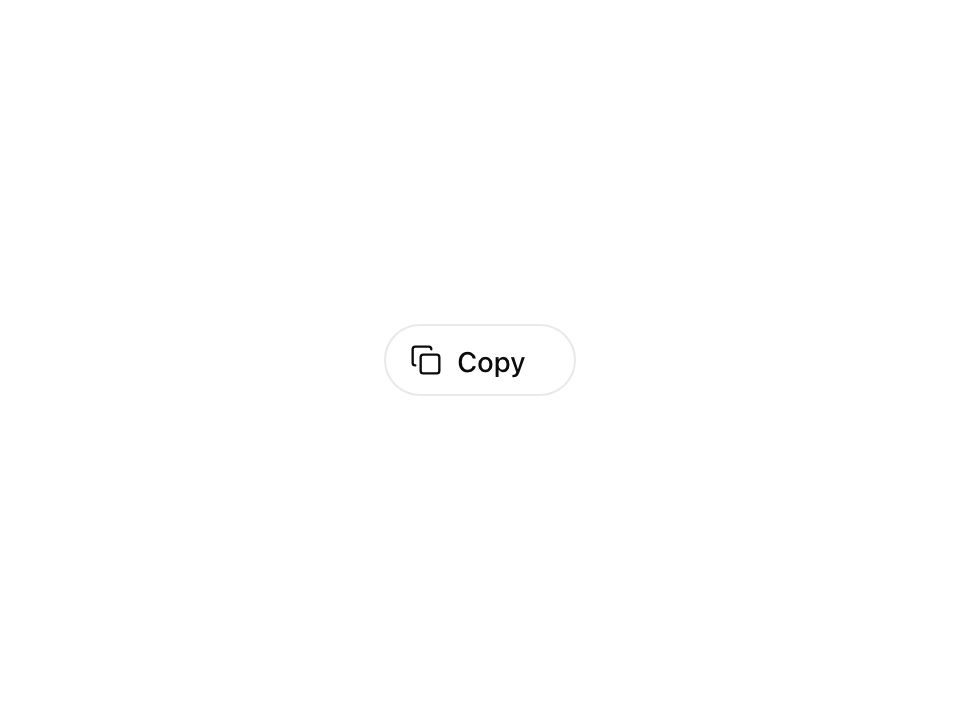
Live component. Click, hover, and type to try it.
Install
npx shadcn@latest add https://animate-ui.com/r/buttons-liquid.jsonAbout
A button that fills with color from the bottom on hover.
Live component. Click, hover, and type to try it.
npx shadcn@latest add https://animate-ui.com/r/buttons-liquid.jsonA button that fills with color from the bottom on hover.
'use client';

import * as React from 'react';
import { motion, type HTMLMotionProps, type Transition } from 'motion/react';

import { Slot, type WithAsChild } from '@animate-ui/react/primitives/slot';
import {
  motionTokens,
  ReducedMotionConfig,
  useShouldReduceMotion,
  useTempoTransition,
} from '@animate-ui/react/utils/motion';
import { cn } from 'cn';

const HOVER_TRANSITION: Transition = {
  transform: { duration: 0.3, ease: 'easeOut' },
  '--liquid-button-fill-width': { duration: 0 },
  '--liquid-button-fill-height': { duration: 0 },
  '--liquid-button-delay': { duration: 0 },
};

const DEFAULT_TRANSITION: Transition = {
  transform: motionTokens.spring.press,
  default: { duration: 0.3, ease: [0.25, 0.1, 0.35, 1] },
};

type LiquidButtonProps = WithAsChild<
  HTMLMotionProps<'button'> & {
    delay?: string;
    fillHeight?: string;
    hoverScale?: number;
    tapScale?: number;
  }
>;

function LiquidButton(props: LiquidButtonProps) {
  return (
    <ReducedMotionConfig>
      <LiquidButtonContent {...props} />
    </ReducedMotionConfig>
  );
}

function LiquidButtonContent({
  delay = '0.3s',
  fillHeight = '3px',
  hoverScale = 1,
  tapScale = motionTokens.scale.press,
  asChild = false,
  transition,
  style,
  className,
  ...props
}: LiquidButtonProps) {
  const reduce = useShouldReduceMotion();
  const hoverTransition = useTempoTransition(HOVER_TRANSITION);
  const defaultTransition = useTempoTransition(DEFAULT_TRANSITION);
  const Component = asChild ? Slot : motion.button;

  return (
    <Component
      initial={reduce ? undefined : { transform: 'scale(1)' }}
      whileTap={reduce ? undefined : { transform: `scale(${tapScale})` }}
      whileHover={{
        ...(reduce || hoverScale === 1
          ? null
          : { transform: `scale(${hoverScale})` }),
        '--liquid-button-fill-width': '100%',
        '--liquid-button-fill-height': '100%',
        '--liquid-button-delay': delay,
        transition: hoverTransition,
      }}
      transition={transition ?? defaultTransition}
      data-slot="liquid-button"
      className={cn(
        'inline-flex h-10 items-center justify-center gap-2 overflow-hidden rounded-lg px-4 text-sm font-medium whitespace-nowrap text-primary outline-none [--liquid-button-background-color:var(--muted)] [--liquid-button-color:var(--primary)] hover:text-primary-foreground focus-visible:ring-3 focus-visible:ring-ring/50 disabled:pointer-events-none disabled:opacity-50',
        className,
      )}
      style={
        {
          '--liquid-button-fill-width': '-1%',
          '--liquid-button-fill-height': fillHeight,
          '--liquid-button-delay': '0s',
          background:
            'linear-gradient(var(--liquid-button-color) 0 0) no-repeat calc(200% - var(--liquid-button-fill-width, -1%)) 100% / 200% var(--liquid-button-fill-height, 0.2em)',
          backgroundColor: 'var(--liquid-button-background-color)',
          transition: `background ${delay} var(--liquid-button-delay, 0s), color ${delay} ${delay}, background-position ${delay} calc(${delay} - var(--liquid-button-delay, 0s))`,
          ...style,
        } as React.CSSProperties
      }
      {...props}
    />
  );
}

export { LiquidButton, type LiquidButtonProps };