PaginationNew
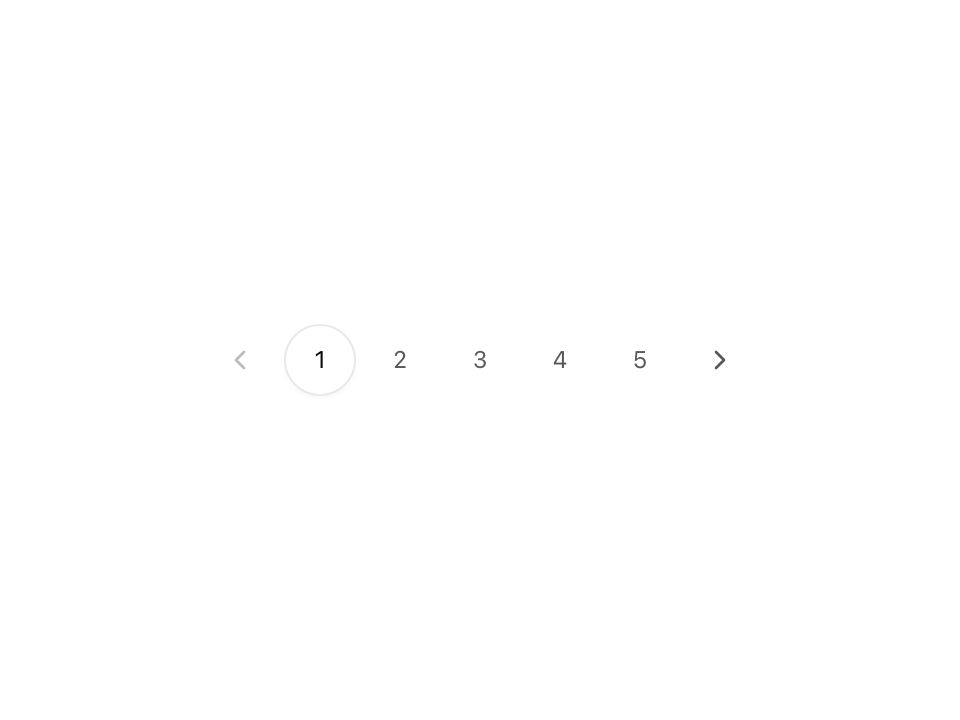
Live component. Click, hover, and type to try it.
Install
npx shadcn@latest add https://uiarc.dev/r/pagination.jsonAbout
Move through a long collection with clear bounds.
Live component. Click, hover, and type to try it.
npx shadcn@latest add https://uiarc.dev/r/pagination.jsonMove through a long collection with clear bounds.
"use client";
import { useLayoutEffect, useRef, useState } from "react";
import { ChevronLeft as NavArrowLeft, ChevronRight as NavArrowRight } from "lucide-react";
import { AnimatePresence, animate, motion, useMotionValue, useReducedMotion, type Variants } from "motion/react";
import { motionTokens } from "../lib/motion-tokens";
import styles from "./pagination.module.css";
export interface PaginationProps { page: number; pageCount: number; onPageChange: (page: number) => void; label?: string }
/** When the five page window shifts, numbers travel like a belt: each one moves by the same number of slots. */
const slot = 1000 / 9; // One button plus the gap (36px + 4px), as a percentage of the button width.
const slide: Variants = {
  enter: (shift: number) => ({ opacity: 0, x: `${slot * shift}%` }),
  center: { opacity: 1, x: "0%" },
  exit: (shift: number) => ({ opacity: 0, x: `${-slot * shift}%`, transition: { x: motionTokens.spring.smooth, opacity: { duration: motionTokens.duration.instant, ease: [...motionTokens.ease.standard] } } }),
};
export function Pagination({ page, pageCount, onPageChange, label = "Pagination" }: PaginationProps) {
  const reduced = useReducedMotion() ?? false;
  const navRef = useRef<HTMLElement>(null);
  const markX = useMotionValue(0);
  const markY = useMotionValue(0);
  const safePageCount = Math.max(0, Math.floor(pageCount));
  const currentPage = safePageCount > 0 ? Math.min(Math.max(1, Math.floor(page)), safePageCount) : 0;
  const start = safePageCount > 0 ? Math.max(1, Math.min(safePageCount - 4, currentPage - 2)) : 1;
  const [previousStart, setPreviousStart] = useState(start);
  const [shift, setShift] = useState(0);
  if (previousStart !== start) { setShift(start - previousStart); setPreviousStart(start); }
  const visible = Array.from({ length: Math.min(safePageCount, 5) }, (_, index) => start + index);

  // One mark travels to the current page's final slot. Until it has measured once (and during server render),
  // the current button draws its own border so nothing flashes before hydration.
  useLayoutEffect(() => {
    const nav = navRef.current;
    const current = nav?.querySelector<HTMLElement>("[aria-current='page']");
    if (!nav || !current) return;
    const place = (instant: boolean) => {
      const x = current.offsetLeft, y = current.offsetTop;
      if (instant || reduced) { markX.jump(x); markY.jump(y); return; }
      animate(markX, x, motionTokens.spring.morph);
      animate(markY, y, motionTokens.spring.morph);
    };
    place(!("markReady" in nav.dataset));
    nav.dataset.markReady = "";
    let size = `${nav.offsetWidth}x${nav.offsetHeight}`;
    const observer = new ResizeObserver(() => { const next = `${nav.offsetWidth}x${nav.offsetHeight}`; if (next !== size) { size = next; place(true); } });
    observer.observe(nav);
    return () => observer.disconnect();
  }, [currentPage, start, safePageCount, reduced, markX, markY]);

  if (!safePageCount) return <nav className={styles.nav} aria-label={label} />;
  return <nav ref={navRef} className={styles.nav} aria-label={label}><button type="button" className={styles.step} onClick={() => onPageChange(currentPage - 1)} disabled={currentPage <= 1} aria-label="Previous page"><NavArrowLeft width={16} height={16} aria-hidden="true" /></button>
    <motion.span aria-hidden="true" className={styles.mark} style={{ x: markX, y: markY }} />
    <AnimatePresence mode="popLayout" initial={false} custom={shift}>
      {visible.map(number => <motion.button type="button" key={number} onClick={() => onPageChange(number)} aria-label={`Page ${number}`} aria-current={currentPage === number ? "page" : undefined}
        layout={reduced ? false : "position"} layoutDependency={start} custom={shift} variants={slide} initial={reduced ? false : "enter"} animate="center" exit={reduced ? undefined : "exit"}
        transition={reduced ? { duration: 0 } : { x: motionTokens.spring.smooth, layout: motionTokens.spring.smooth, opacity: { duration: motionTokens.duration.standard, ease: [...motionTokens.ease.enter] } }}>{number}</motion.button>)}
    </AnimatePresence>
    <button type="button" className={styles.step} onClick={() => onPageChange(currentPage + 1)} disabled={currentPage >= safePageCount} aria-label="Next page"><NavArrowRight width={16} height={16} aria-hidden="true" /></button></nav>;
}